Check du Bill in UAE – Complete Guide to du Bill Check Online, App, SMS & USSD
Checking your du bill in the UAE should be fast, transparent, and stress-free. Yet many users still search for “check du bill”, “du bill check online”, or “du bill number” because they are unsure which method is correct, fastest, or works without login.
This comprehensive guide explains all official ways to check your du bill, whether you are using a postpaid mobile, home internet, landline, or business account. Each method is explained step by step, including online, app-based, SMS, USSD, IVR, and bank channels, so you can choose what works best for your situation.
du Bill Check – Overview & Key Concepts

Before diving into the steps, it is important to understand how du billing works in the UAE.
du (Emirates Integrated Telecommunications Company) issues monthly postpaid bills for:
- Mobile postpaid SIMs
- Home internet (fiber)
- Landline services
- Business and corporate accounts
Your du bill typically includes:
- Monthly rental or plan charges
- Call, SMS, and data usage
- Roaming or international charges (if applicable)
- VAT (5%)
- Any previous unpaid balance
Knowing how and where to check your du bill helps you:
- Avoid service suspension
- Track usage accurately
- Identify billing errors early
- Pay on time without penalties
Recommended: du Helpline Number
How to Check du Bill in UAE – Step-by-Step Methods
1. Check du Bill Online (Without Login) – Quick Pay
This is the fastest method if you only want to see your outstanding amount.
Steps:
- Open the official du Quick Pay page
- Enter mobile number, landline number, or account number
- Instantly view your current outstanding du bill
Best for:
- Quick balance checks
- Users who forgot login credentials
- One-time bill verification
2. Check du Bill Using du Mobile App
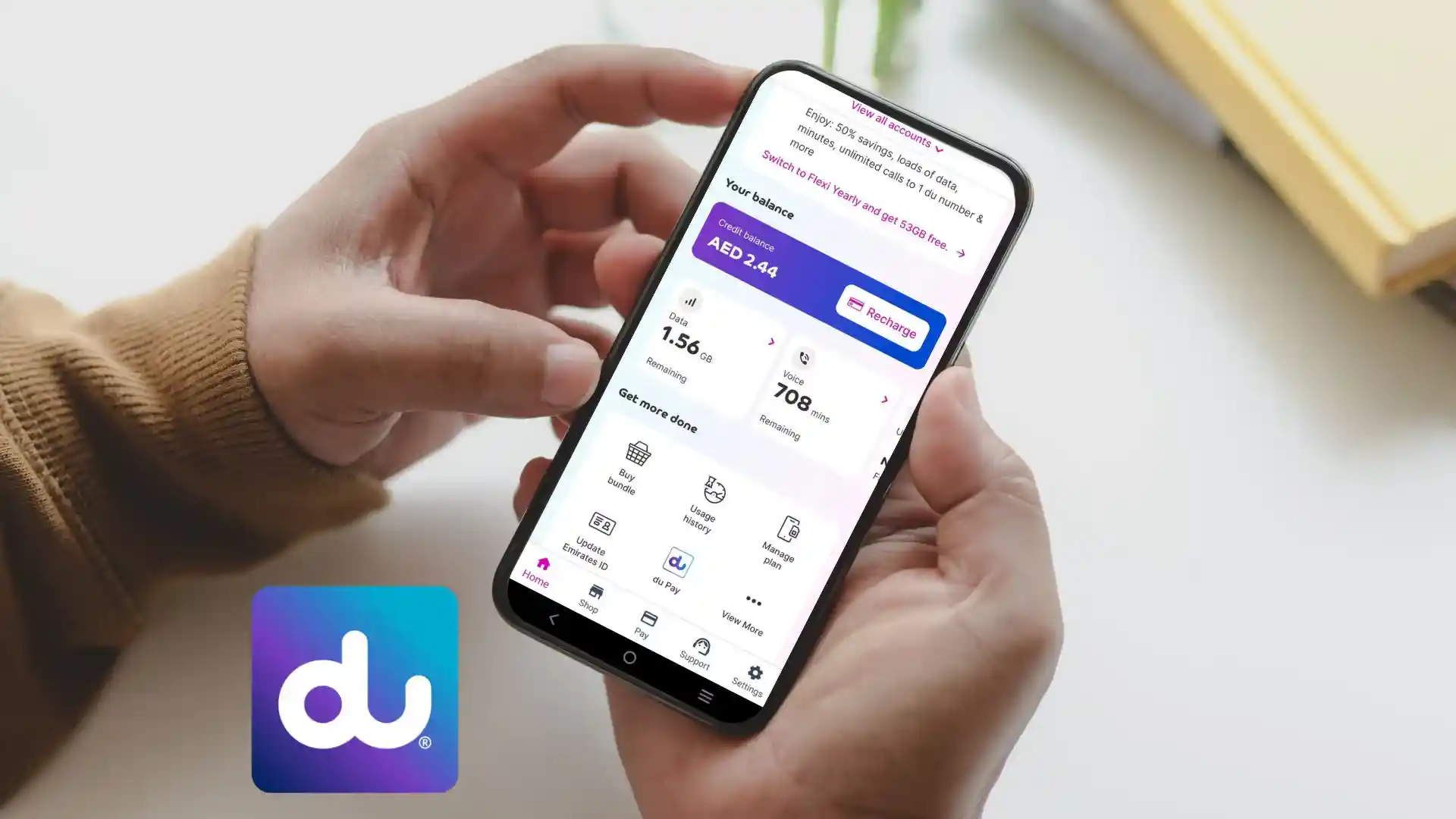
The du App provides the most detailed billing view.
Steps:
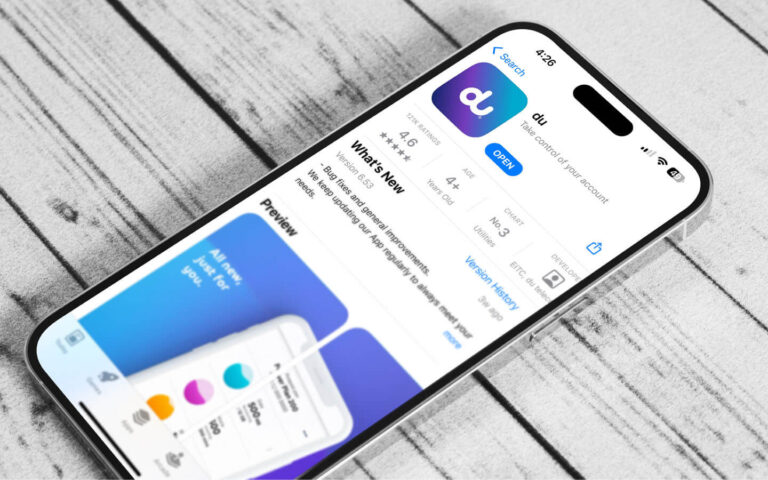
- Download the du App (Android or iOS)
- Log in using your registered mobile number or email
- View your current bill on the dashboard
- Go to Billing History to:
- Download itemized PDF bills
- Check previous months’ bills
- Track usage trends
Best for:
- Monthly bill monitoring
- Downloading detailed invoices
- Managing multiple du services
3. Check du Bill via SMS & USSD (No Internet Required)
If you do not have mobile data or Wi-Fi, du provides offline options.
SMS Method:
- Send “Bill” to 1233
- Receive your outstanding bill amount via SMS
USSD Method:
- Dial *135#
- Follow on-screen instructions to check bill and account status
Best for:
- Basic phones
- Emergency checks
- Users without internet access
4. du My Account (Web Portal)
For desktop users, du My Account offers full control.
Steps:
- Log in to du My Account
- Navigate to Billing / My Bill
- View:
- Current outstanding bill
- Previous invoices
- Payment history
- Activate e-bill to receive monthly statements by email
Best for:
- Home internet and landline users
- Business and corporate accounts
5. Check du Bill via IVR (Customer Support)
You can also check your bill through du’s automated phone system.
Steps:
- Call 155 from your du number
- Follow IVR prompts to hear your bill amount
Best for:
- Users who prefer voice assistance
- Senior users
6. du Bill Check via Banks & Kiosks
Many UAE banks and payment kiosks support du bill inquiry.
Available Channels:
- Emirates NBD Mobile & Online Banking
- Other UAE banking apps
- NT Payment & mall kiosks
Features:
- Check outstanding du bill
- Pay instantly
- Minimum payment usually starts from AED 1
Best for:
- Bank-centric users
- Offline payments
Recommended: 052 Du or Etisalat?
Common du Bill Problems & Practical Solutions
Bill Not Showing Online
Solution:
- Ensure the number is postpaid
- Use account number instead of mobile number
Wrong Bill Amount
Solution:
- Download itemized bill from du App
- Check roaming or international usage
Forgot du Login Details
Solution:
- Use Quick Pay (no login required)
- Reset credentials via SMS verification
Service Suspended
Solution:
- Clear outstanding dues immediately
- Contact du support if suspension persists
Expert Tips & Best Practices (du Billing)
- Enable e-bill to avoid missing due dates
- Check bills before the due date, not on suspension day
- Monitor roaming charges closely
- Download monthly PDFs for record-keeping
- Use the du App for real-time usage insights
Key Benefits of Regular du Bill Checks
- Avoid late payment penalties
- Prevent service interruption
- Maintain accurate expense tracking
- Detect billing discrepancies early
- Better control over data and call usage
FAQs
How can I check my du bill online?
You can check your du bill online via Quick Pay, du App, or du My Account using your mobile or account number.
What is the number to check du bill?
Send “Bill” to 1233 or dial *135# from your du SIM.
Can I check du bill without login?
Yes, du Quick Pay allows bill checking without logging in.
How do I view du bill history?
Log in to the du App or My Account and access Billing History to download past bills.
Is du bill check free?
Yes, checking your du bill via app, SMS, USSD, or website is completely free.
Conclusion
Checking your du bill in the UAE is simple once you know the correct method. Whether you prefer online quick checks, mobile apps, SMS, USSD codes, or banking platforms, du provides multiple official and secure options.
By regularly monitoring your du bill, you stay in control of your expenses, avoid service disruptions, and ensure full transparency in your telecom usage. This guide is designed to be the most complete, reliable, and user-friendly du bill check resource available.
If you need further help with du billing, payments, or account management, always rely on official du channels for accurate information.

- Al Mahatta Park Sharjah Area Guide – Timings, Location, Facilities & Nearby Attractions UAE - February 22, 2026
- Lulu balance Check UAE – How to Check Lulu Salary Card Balance Online, SMS, ATM & App (2026 Guide) - February 21, 2026
- FAB Bank Prepaid Card Inquiry – Complete Guide for Balance Check, Enquiry Methods & Card Management in the UAE - January 7, 2026